License notes, service areas, review prompts, and jobsite expectations.
Contractor Website Demo
Remodeling work presented like a serious local company.
Built for trades that need trust fast: project proof, quote requests, service areas, before-and-after photos, and a clear path from visitor to estimate.
Lead Path
Photos -> services -> proof -> quote form
Sections designed for before-and-after work, project notes, and results.
Collect project type, location, timeline, photos, and contact preference.
Job Scope
Detailed sections that help homeowners send better quote requests.
Contractor clients usually need fewer vague calls and more serious project details. This template gives them places to explain what they do, where they work, what photos to send, and how estimates are handled.
Kitchen, bathroom, drywall, trim, paint, repairs, exterior, punch list, or custom scope.
Timeline, room photos, rough measurements, location, material preferences, and budget range.
Service area, process, reviews, jobsite cleanup, insurance notes, and project expectations.
Reply window, consult call, estimate process, deposit policy, and scheduling handoff.
Project Layout
A contractor site needs proof before polish.
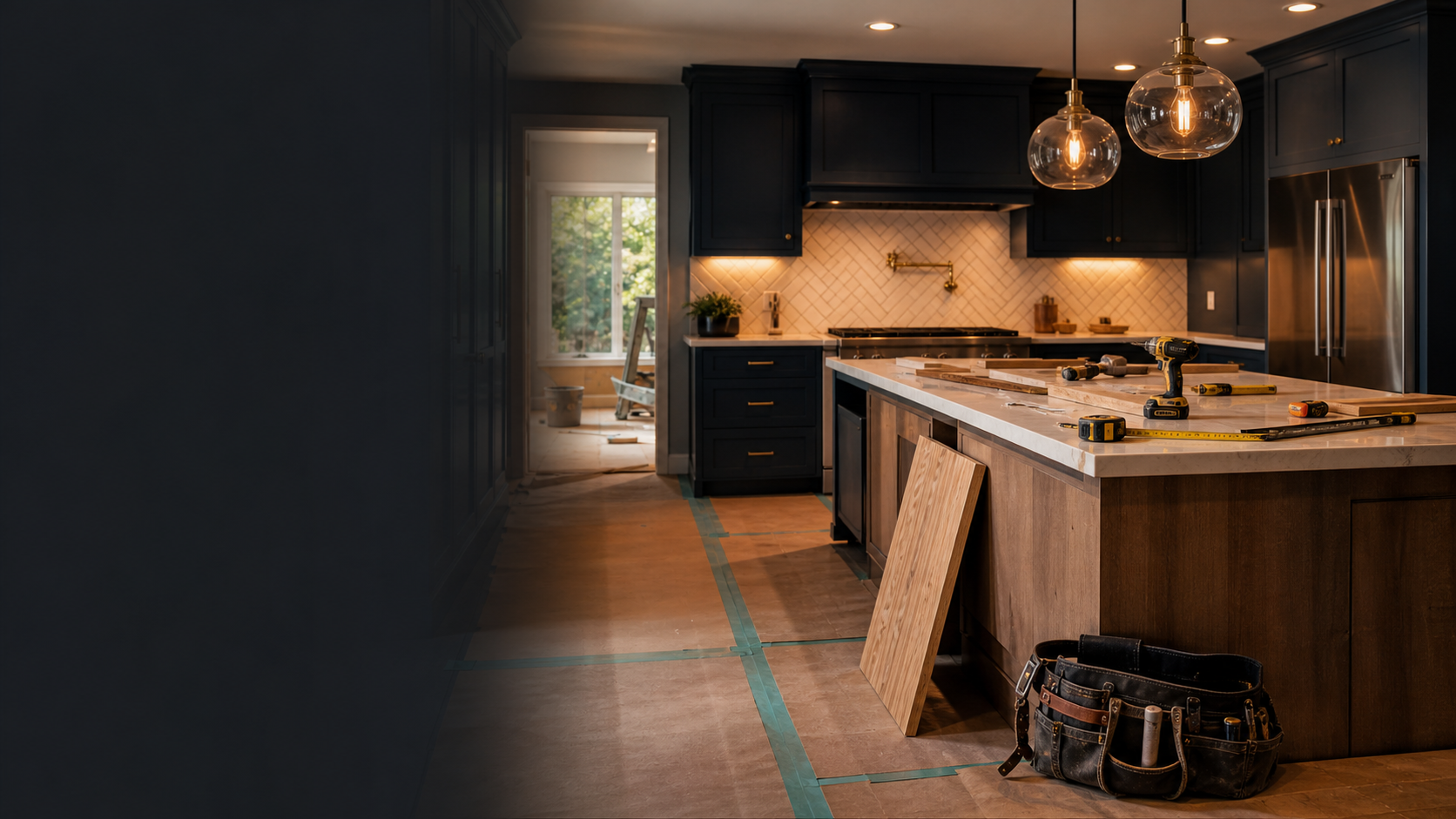
Kitchen update landing section
Show one strong job, explain the scope, then point visitors toward an estimate request.
Photo comparison blocks
Use real project photos later to make the page feel local and credible.
Local coverage strip
List nearby towns, neighborhoods, and job types to help qualified leads self-select.
Short trust blocks
Make room for customer quotes, years in business, warranties, cleanup standards, and licenses.
Repeat the next step
Every major section can point back to the same quote flow so visitors never get stuck.
Services
Structured for trades, remodelers, and home service pros.
This layout can be adapted for roofing, flooring, painting, handyman work, drywall, remodelers, outdoor upgrades, or repair crews.
Build Process
Show the customer what happens after they ask for pricing.
-
Step 01
Send photos and project notes
The form tells the customer exactly what to send so the contractor can respond with context.
-
Step 02
Confirm scope and site details
Use a call, text, or email to clarify measurements, timeline, materials, and access.
-
Step 03
Approve estimate and schedule
Add deposit links, estimate PDFs, or scheduling links when the business is ready.
-
Step 04
Finish, document, and request review
The site can also support project galleries, review requests, and follow-up offers.
Estimate Flow
Make the customer send the details before the first call.
The real version can connect to your quote form, payment deposit, photo upload instructions, or a scheduling link owned by the business.
Homeowner Questions
FAQ blocks reduce hesitation before someone calls.
Do you handle small jobs?
Answer this clearly so repair and punch-list customers know whether to reach out.
Can I send photos first?
Photo-first intake saves time and helps the contractor decide if a site visit is needed.
What areas do you serve?
Local service areas help customers self-qualify and support search visibility.
Demo template by Knox Digital Works. Sample business name and content are fictional. This contractor layout can be customized with real photos, services, prices, reviews, payment links, and SEO copy.